How to Choose a Home Security Camera on Any Budget
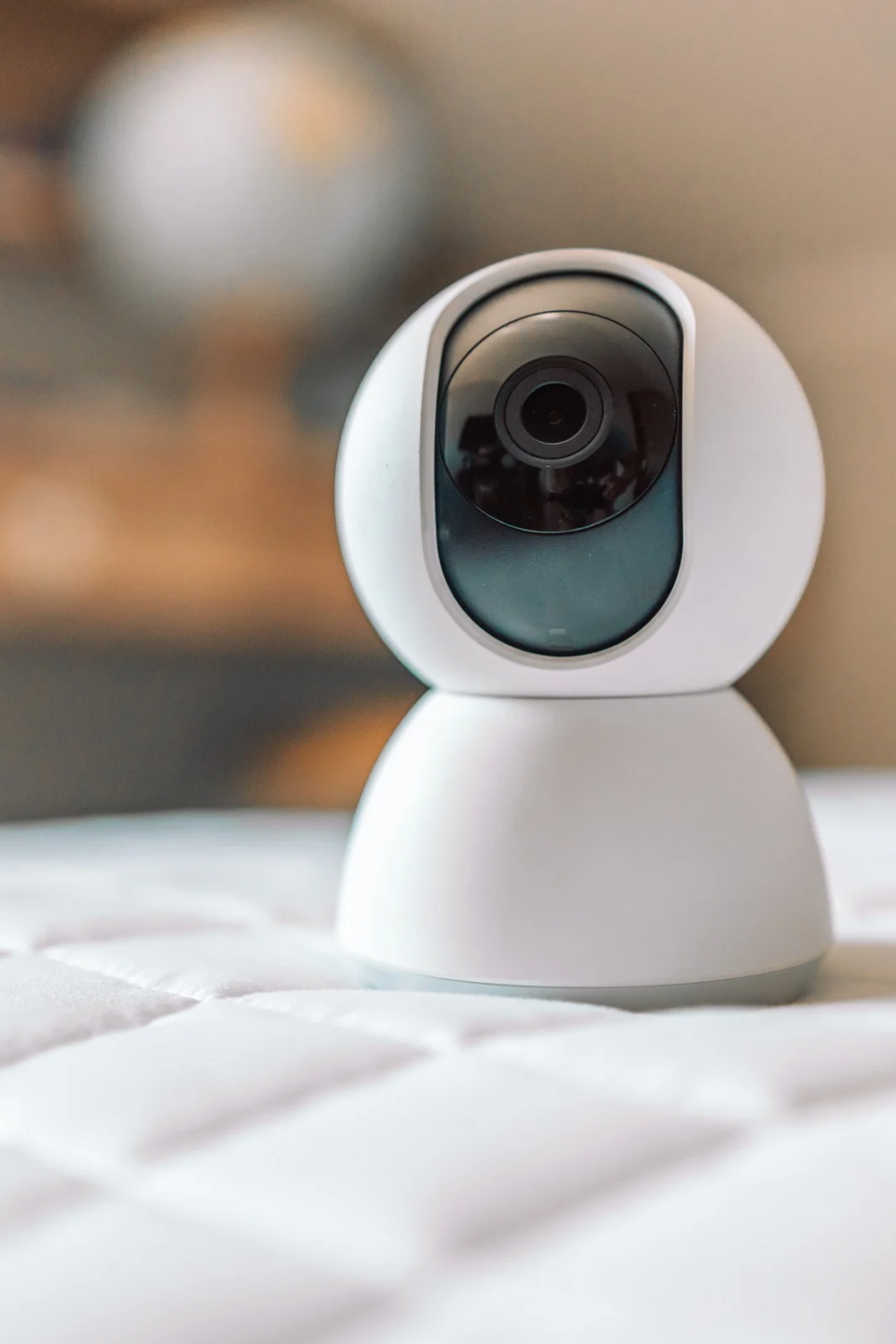
You’ve probably scrolled through a hundred listings by now — 2K this, AI detection that, night vision claims that all sound identical — and you’re no closer to picking one. Choosing a home security camera shouldn’t feel this complicated, but the market’s flooded with options that mostly sound the same on paper and behave very differently in real use. In 2026, with prices ranging anywhere from ₹1,500 for a basic model to ₹15,000+ for a full outdoor setup, the real question isn’t which camera is “best” — it’s which one actually fits how you live.
I’ve installed cameras in two different homes now, and both times I over-researched the wrong specs and under-researched the ones that actually mattered day to day. Let’s fix that for you.
Figure Out What You’re Actually Protecting First
Quick answer: Before comparing camera models, decide what you’re monitoring — front door, full perimeter, indoor spaces, or all three. This single decision narrows your options more than any spec sheet, since indoor, outdoor, and doorbell cameras solve fundamentally different problems.
A doorbell camera solves a different problem than a camera watching your compound gate. An indoor camera for keeping an eye on an elderly parent or a pet is a different need entirely from perimeter security. Trying to buy one camera that does everything usually means it does nothing particularly well.
Sit down and list your actual concerns — package theft, break-in monitoring, checking in on someone at home, monitoring a shop after hours. That list decides your camera type before you even look at brands.
Indoor vs Outdoor Cameras — Don’t Mix These Up
This trips up more first-time buyers than anything else. Indoor cameras are cheaper, generally ₹1,500-3,500, but they’re not weatherproofed and will fail fast if mounted outside, even under a small overhang.
Outdoor cameras cost more, usually ₹3,000-8,000 for a decent one, because they need weatherproofing (look for an IP65 rating minimum), better night vision range, and often a sturdier mount. Don’t try to save money by putting an indoor camera outside — I’ve seen this go wrong within a single monsoon season.
Wired vs Wireless — The Trade-off Nobody Explains Well
Quick answer: Wireless cameras are easier to install and reposition but depend on Wi-Fi strength and battery life. Wired cameras need a proper installation but offer more reliable, continuous recording without worrying about signal drops or charging.
Picture a small business owner in Jaipur running a shop with an unreliable Wi-Fi connection during peak hours. A wireless camera there is going to drop feed exactly when it matters most. Wired, in that case, is the better call even with the extra installation hassle.
For homes with solid Wi-Fi and no interest in running cables through walls, wireless is genuinely fine. Just check the camera’s actual range claims against your real router placement, not the box’s optimistic numbers.
Resolution and Night Vision — What Actually Matters
Everyone fixates on resolution numbers, but 1080p is honestly enough for most home use. Where cameras really differ is night vision quality, and that’s the spec worth paying attention to.
Look for:
- Infrared range of at least 10 meters for outdoor use
- Color night vision if your budget allows — genuinely useful for identifying faces or vehicle colors after dark
- A wide field of view, ideally 130 degrees or more, so you’re not missing blind spots
Storage Options — Cloud, SD Card, or Both
This is where ongoing costs sneak up on people. Cloud storage plans usually run ₹150-400 monthly per camera, which adds up fast if you’re running three or four cameras. Local SD card storage has no recurring cost but risks losing footage if the card gets damaged or the camera is stolen.
I’d lean toward a camera that supports both — local storage as backup, cloud for the peace of mind of off-site footage. It costs a bit more upfront but saves you from the worst-case scenario where someone takes the camera and the footage along with it.
[link to related guide about cloud vs local camera storage here]
App and Alert Features Worth Actually Caring About
Motion detection alerts sound great until your phone’s buzzing every time a leaf blows past the camera. Look specifically for cameras with adjustable motion zones, so you can exclude areas like a busy street or a tree that’s constantly moving.
Two-way audio is worth having too, particularly for doorbell cameras — being able to speak to a delivery person or a visitor without opening the door adds real convenience, not just security.
[link to related guide about smart home security setups here]
Setting a Realistic Budget
For a single entry point (front door or gate), ₹3,000-5,000 gets you a solid camera with decent night vision and cloud storage. For a fuller setup covering multiple angles, budget ₹12,000-20,000 total, factoring in installation if you’re not doing it yourself.
Don’t chase the cheapest option blindly. I’ve noticed the sub-₹1,000 cameras tend to have poor night vision and unreliable apps, which honestly defeats the purpose of buying one at all.
Suggested alt text: “Outdoor home security camera mounted near a front gate with night vision” Suggested alt text: “Smartphone app showing live feed from a home security camera” Suggested alt text: “Indoor security camera monitoring a living room space”
FAQs
What’s the minimum budget for a decent home security camera? Around ₹2,500-3,000 gets you a reasonably reliable indoor or entry-level outdoor camera with basic night vision and app connectivity.
Do I need cloud storage, or is an SD card enough? An SD card works fine for most homes, but cloud adds protection if the camera itself is stolen or damaged. A combination of both is the safest bet if your budget allows it.
Is wireless or wired better for choosing a home security camera in India? Depends on your Wi-Fi reliability. Strong, stable Wi-Fi makes wireless a fine choice; unreliable connections are better served by a wired setup for consistent recording.
How many cameras does a typical home actually need? Most homes do fine with 2-3 — front door or gate, one covering the compound or driveway, and optionally one indoor camera for peace of mind.
Does higher resolution always mean a better security camera? Not necessarily. 1080p is sufficient for most needs. Night vision quality, field of view, and reliable alerts usually matter more than chasing 4K resolution.
Are cheap unbranded security cameras worth buying? Generally not recommended. They tend to have weaker night vision, unreliable apps, and shorter lifespans, which often costs more in replacements than spending a bit more upfront.
Conclusion
Choosing a home security camera comes down to matching the camera to your actual situation, not chasing the highest spec number on the box. Figure out what you’re protecting, decide between wired and wireless based on your Wi-Fi reliability, and don’t skimp on night vision or storage just to save a few hundred rupees. Start with one camera at your main entry point, see how it performs for a month, and expand your setup from there once you know what actually works for your home.